DropDMG 3.7.1 macOS
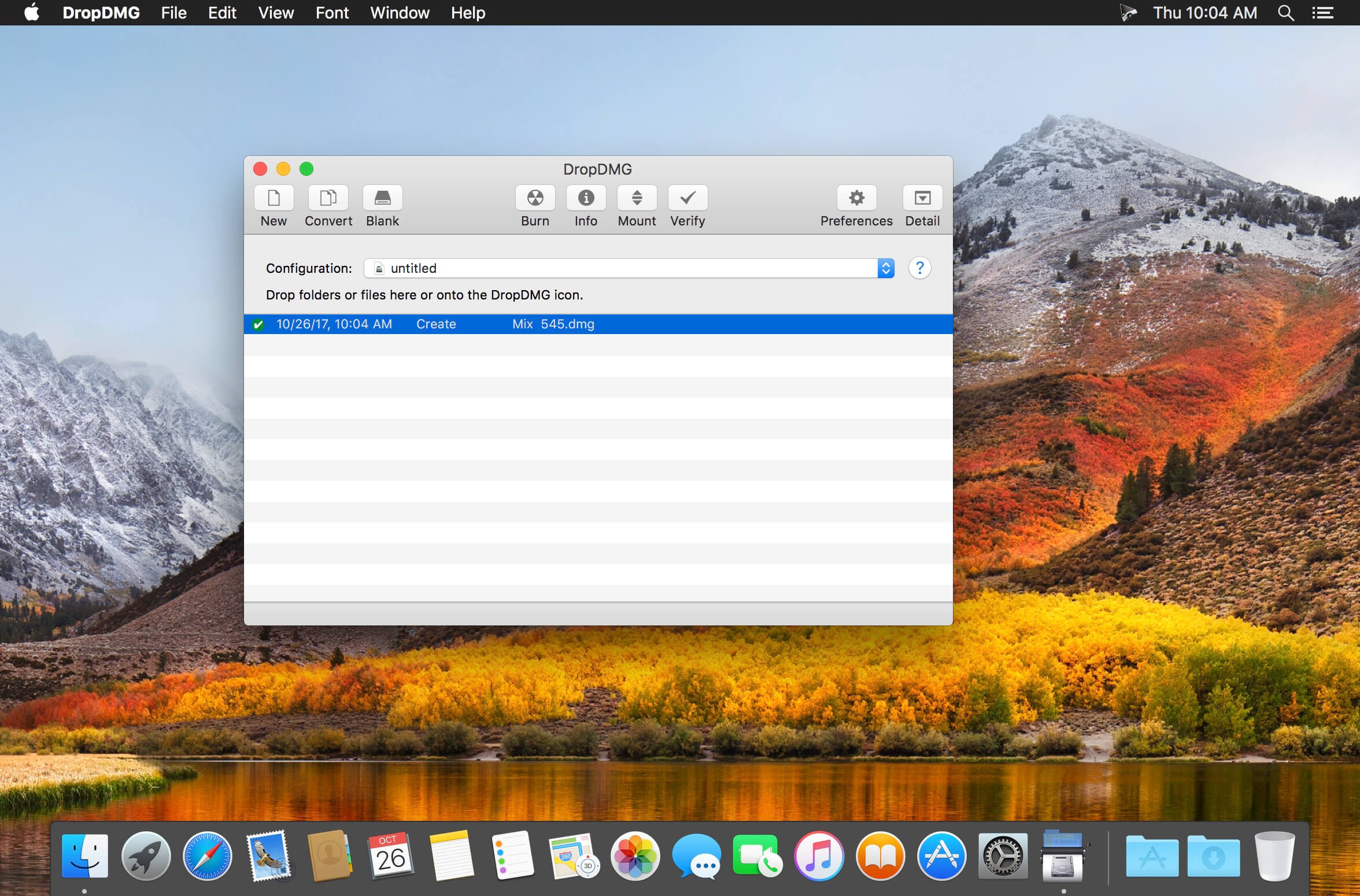
DropDMG offers the simplest way to create macOS disk images and cross-platform archives. Just drag and drop any file or folder to generate a new image instantly. You can also drop an existing disk image or archive onto DropDMG to convert it to another supported format or burn it to a CD or DVD.
Features
- Create macOS disk images with a simple drag-and-drop
- Generate cross-platform archives alongside standard Mac formats
- Convert existing disk images or archives to other supported formats
- Burn disk images directly to CD or DVD
- Create read-only, compressed, or encrypted disk images
- Apply custom background layouts, icons, and license agreements
- Automatically segment large images into multiple parts
- Verify disk image integrity
- Automate workflows with saved configurations and command-line tools
- Preserve file permissions and resource forks
- Build images optimized for software distribution
Compatibility: macOS 10.12 or later
Homepage: https://c-command.com/dropdmg/
Screenshots:
| Name: | DropDMG_3.7.1_macsoftkey.com.dmg |
|---|---|
| Size: | 30 MB |
| Files | DropDMG_3.7.1_macsoftkey.com.dmg [30 MB] |